AI Consumers
Sign in once.
Everything you use, already running.
Development, agentic and desktop environments, preconfigured from who you are — your user, your groups, your projects. Governed by IT’s rules, metered as you go. No tokens to paste, no cluster to learn. Pick, click, work.
Log in. That’s the whole setup.
No onboarding checklist, no environment doc, no credentials thread. Who you are decides what appears — and everything that appears is already configured, governed and metered.
Phase 01 · ORCHESTRATION
Your environment appears
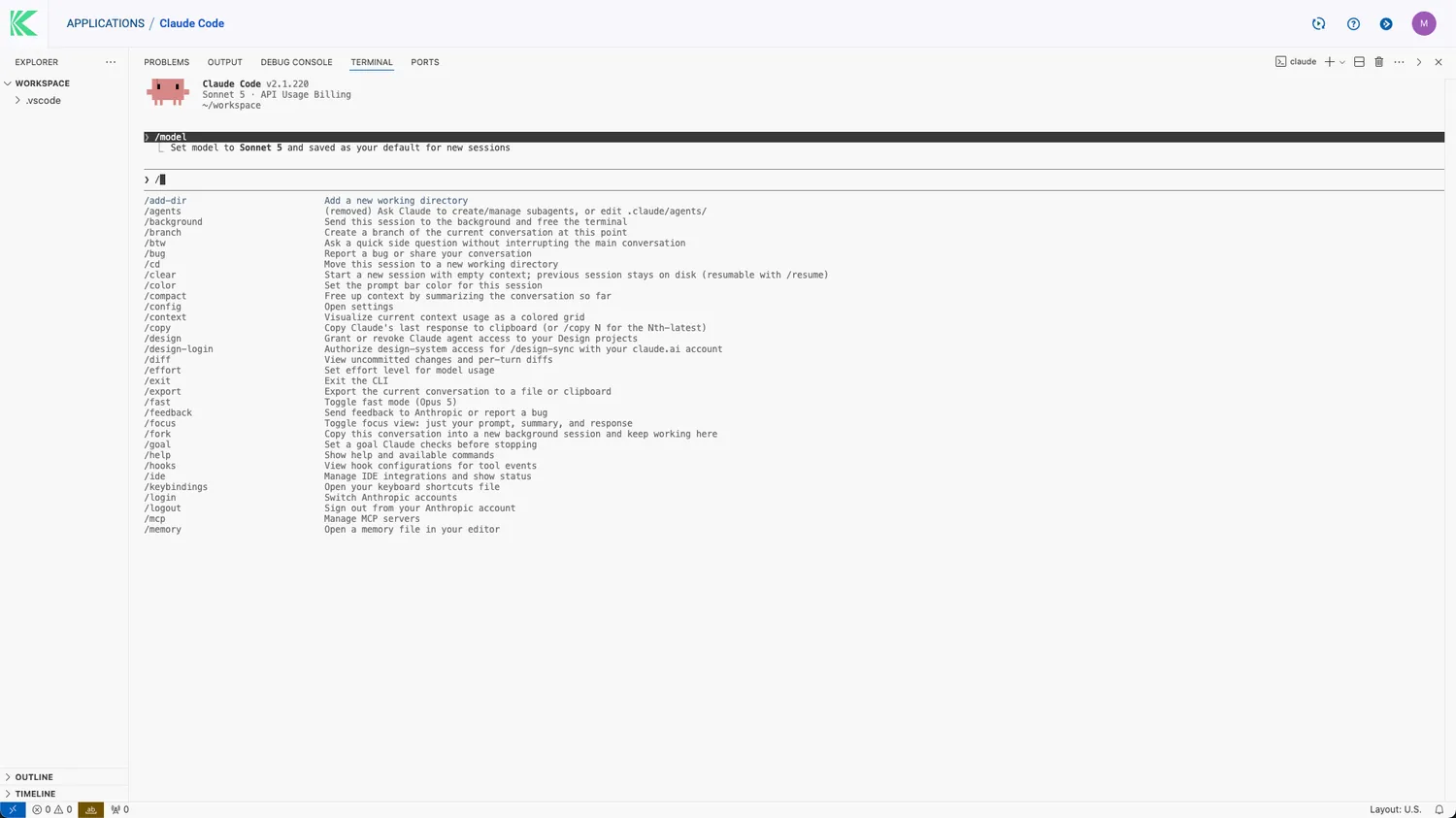
Pick a development, agentic or desktop environment from the portal and it arrives running: sized, placed and preloaded with your projects. Nothing to install, nothing to size, nothing to keep alive — it releases the moment you walk away.
Orchestration
Phase 02 · GOVERNANCE
Your boundaries come with you
Everything is scoped by association: your user, your groups, your projects. IT’s quotas and policies are already applied, so there is no token to request and no key to paste — the permissions travel with you into every environment you open.
Governance
Phase 03 · AI ENGINE
Your AI is already plugged in
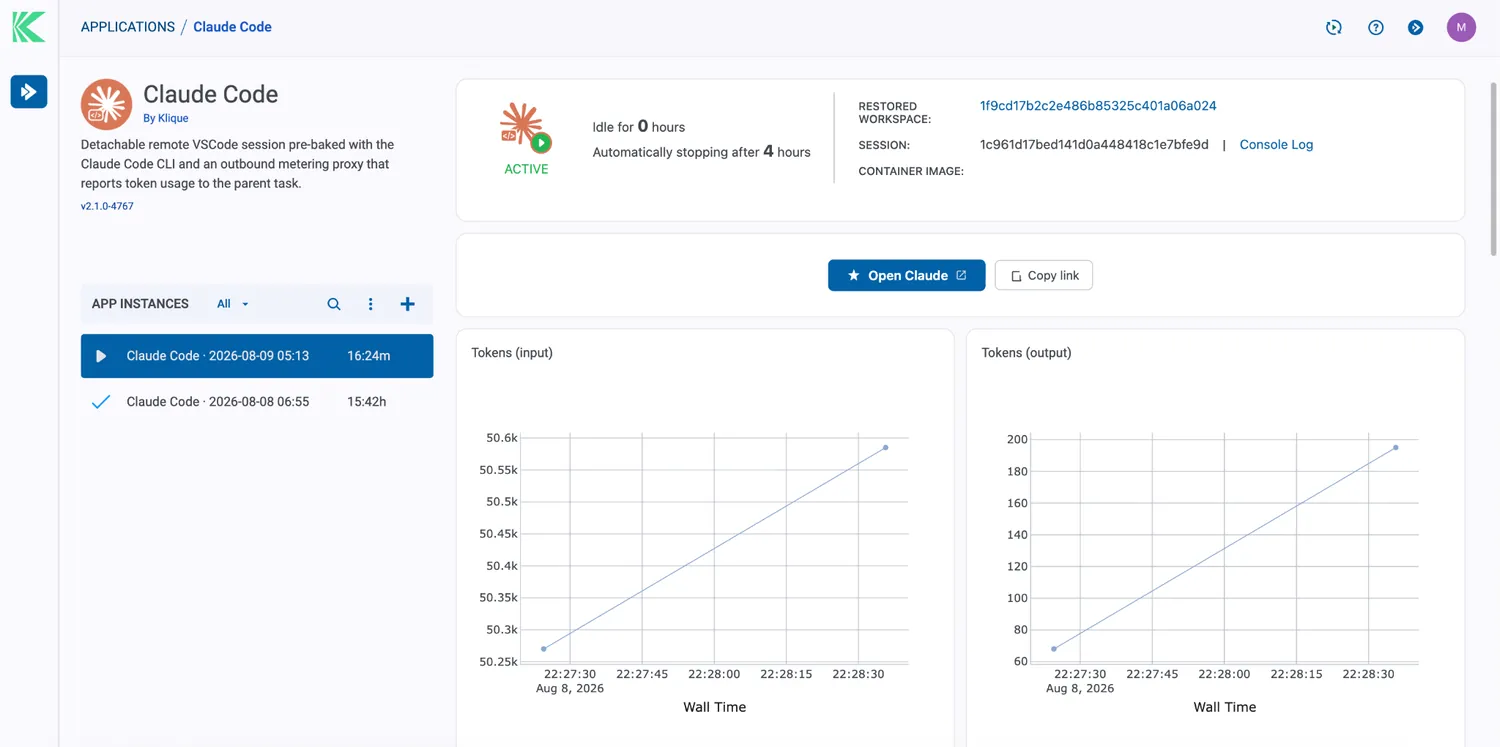
Models sit behind the gateway, organization apps sit in the catalog, and both answer to the same rules. Every token you consume is metered to you, your group and your project as it happens — visible to you, attributable for IT.
AI Engine
The portal is the setup. Sign in, and what you are allowed to use is simply there.
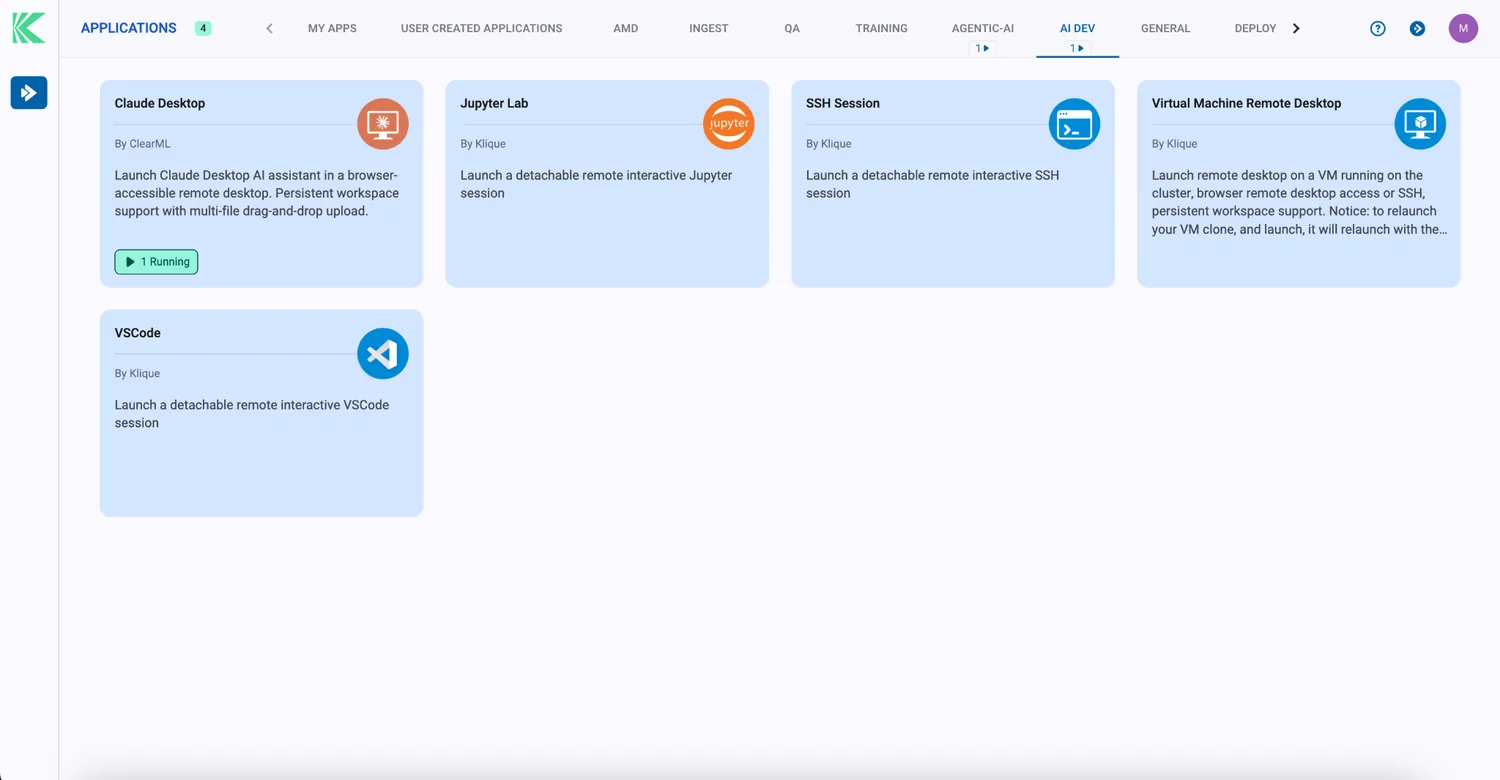
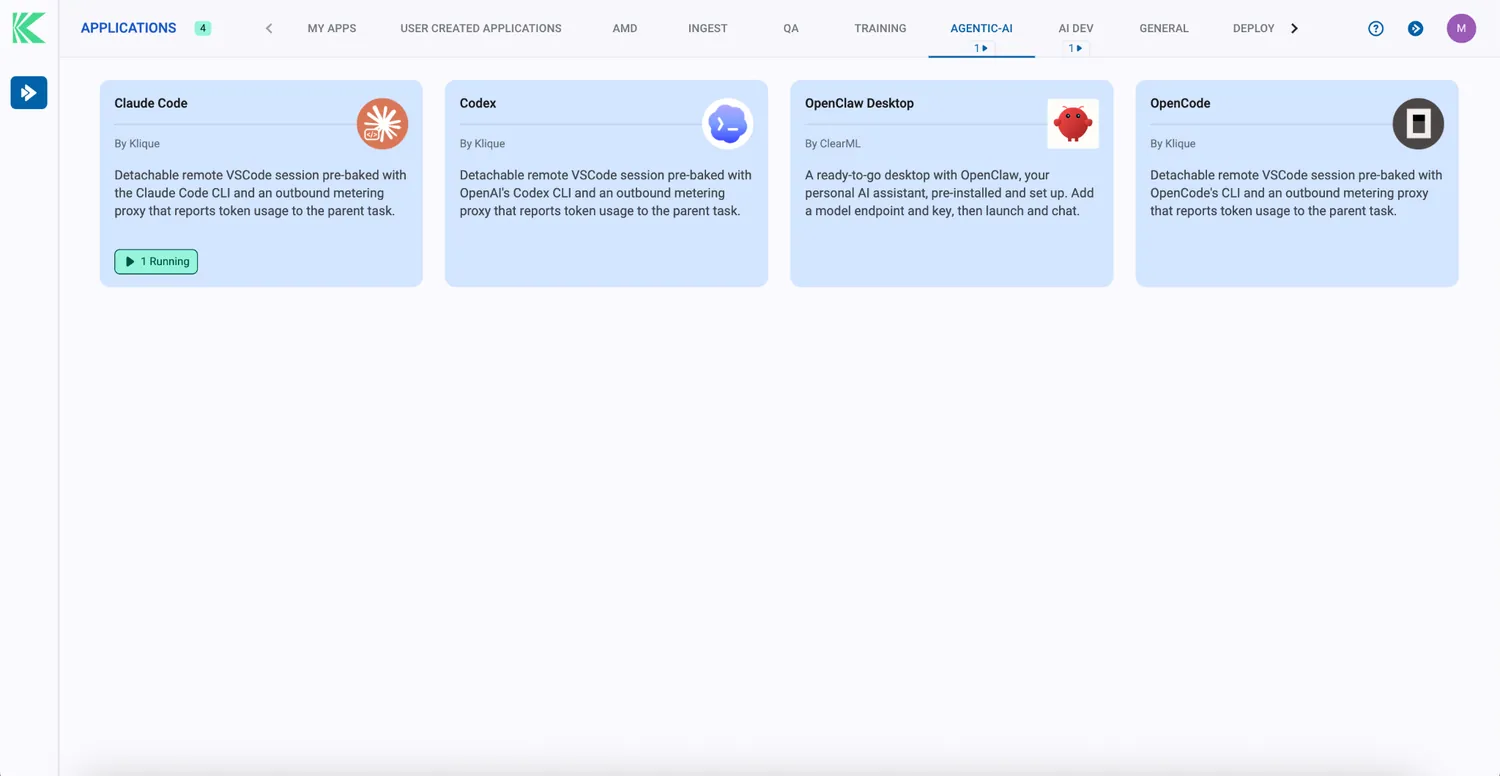
A Catalog That Already Knows You
Organization-level AI applications, published by your builders and filtered by RBAC. One click to use, metered as you go. Build your own and share it the same way — governed by the same rules.
Preconfigured, Per Team
Development, agentic and desktop environments, assembled from who you are: your user, your groups, your projects. The tools are preinstalled, the access is preauthorized, and the meter is already running.
The other side of the catalog.
Everything you consume here was built and published by your AI teams on the same platform, and governed by IT with the same rules. See what building on Klique looks like →
Request A Demo